

Your annual meeting starts in twenty minutes. Two owners share an email address, a proxy holder represents three homes, and someone joins from a phone halfway through registration. The board needs to know whether quorum has been reached and who can vote on the next motion.
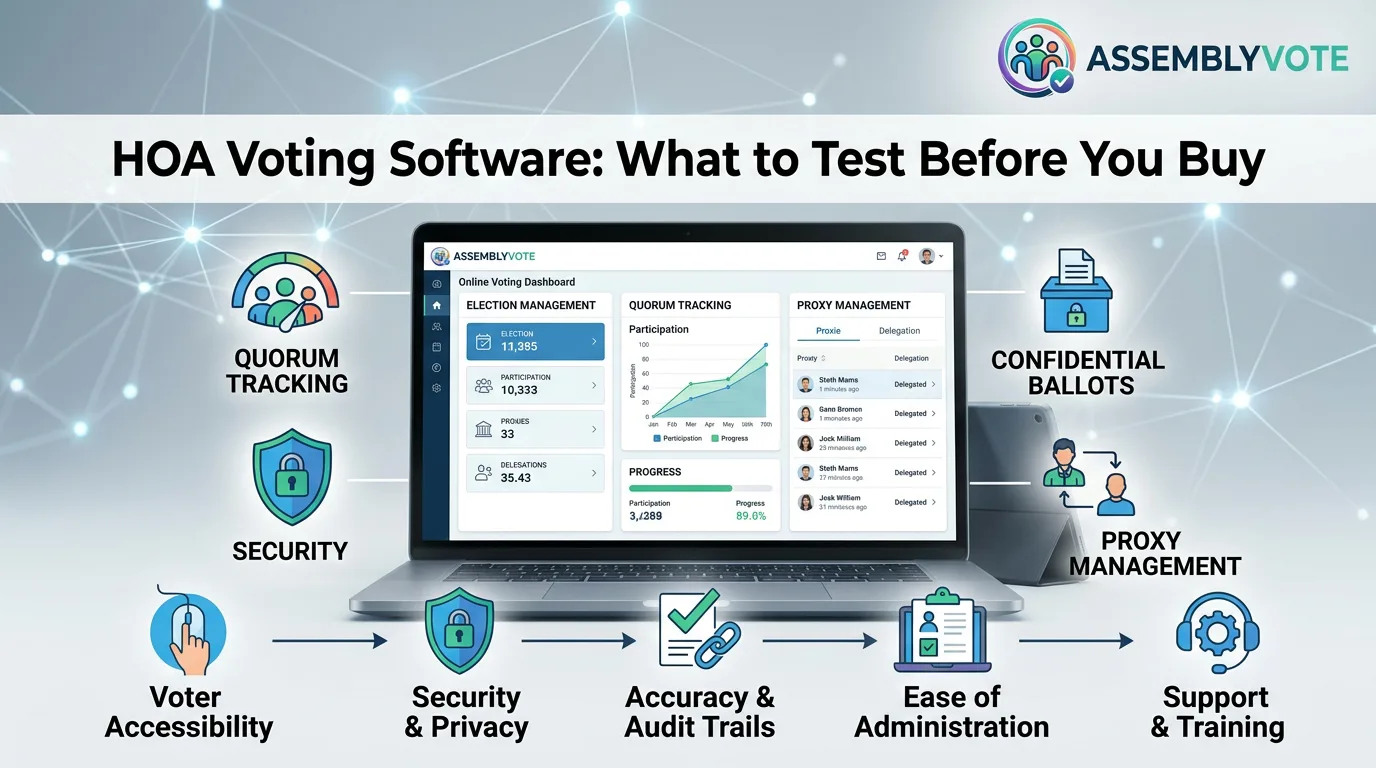
That is the situation HOA voting software should help you manage. A polished ballot screen matters, but the buying decision should cover everything that happens before and after a vote.
Start with the decision you need to run
Write a one-page description of your next event before requesting demonstrations. Include the association type, number of voting interests, meeting format, agenda items, and any election of directors. Identify which decisions happen during a meeting and which use a separate ballot period.
Bring the governing documents and a list of questions for the person responsible for interpreting them. Confirm the applicable rules before configuring software. A tool's available settings do not establish which procedures your association may use.
For an operational starting point, review our hybrid HOA annual meeting checklist.
Evaluate six parts of the workflow
1. Eligibility and the owner roster
Ask how a voting interest is identified. A home, a person, an email address, and a user login are different records. Your test data should include joint ownership, a recent sale, and one owner with multiple properties.
Confirm who can approve roster changes and what happens after voting begins. Ask for a demonstration of correction handling, rather than accepting a promise that the system can import a spreadsheet.
2. Attendance and quorum
Have the presenter explain the denominator used for quorum and which forms of participation count. Ask how authorized representatives, remote attendees, and arrivals after the opening announcement are handled.
A headcount can be useful operationally while still being different from the voting interests needed for quorum. The demonstration should make that distinction understandable to the secretary.
3. Representation and duplicate participation
Use a fictional owner who appoints a representative and then attends personally. Ask how the authorized administrator resolves that situation under the association's approved procedure.
Do the same with an owner appearing on two devices. The objective is to understand the control, the evidence it leaves, and who has permission to intervene.
4. Ballot rules and privacy
Prepare separate examples for an ordinary motion and a confidential election. Ask which product and configuration support each. Do not assume that hiding results from a projector makes individual choices secret from administrators.
Request a precise explanation of who can see participation information, selections, and final results. Put any required capabilities into the written scope of service.
5. The participant experience
Test on an ordinary phone. Have a volunteer follow the instructions without coaching. Can that person find the correct ballot, understand the question, and tell when a submission is complete?
Also test the help procedure. An owner who cannot sign in needs an authorized way to receive assistance without handing over a confidential choice.
6. Records after the meeting
Request a sample final record. It should help the association understand what was decided, under which rules, and with what reported totals. Identify the exports, retention arrangements, and review access included in the proposal.
Use a realistic demonstration script
Give every vendor the same fictional scenario: 120 voting interests, a permitted proxy, a late arrival, one corrected roster entry, an ordinary motion, and a separate election requiring privacy.
Record whether each step works as demonstrated, needs configuration, requires a separate service, or remains unsupported. This creates a useful comparison without assigning arbitrary scores to features you may never use.
Where AssemblyVote fits
AssemblyVote Pro combines attendance, quorum, agenda, representation, voting, and reports for organizational meetings. Explore AssemblyVote Pro.
For a separate candidate election, review AssemblyVote Elections and confirm the required election workflow.
Frequently asked questions
Can we use the same workflow for every HOA vote?
Do not assume so. A director election, a meeting motion, and a document amendment may have different requirements. Define each event before choosing settings.
What should we request before signing?
Ask for the written scope, the demonstrated configuration, the support window, sample reports, and any remaining gaps. Resolve important gaps before sending voting instructions to owners.
Next step: Try the AssemblyVote Pro demo and walk through your next meeting using fictional participants.